
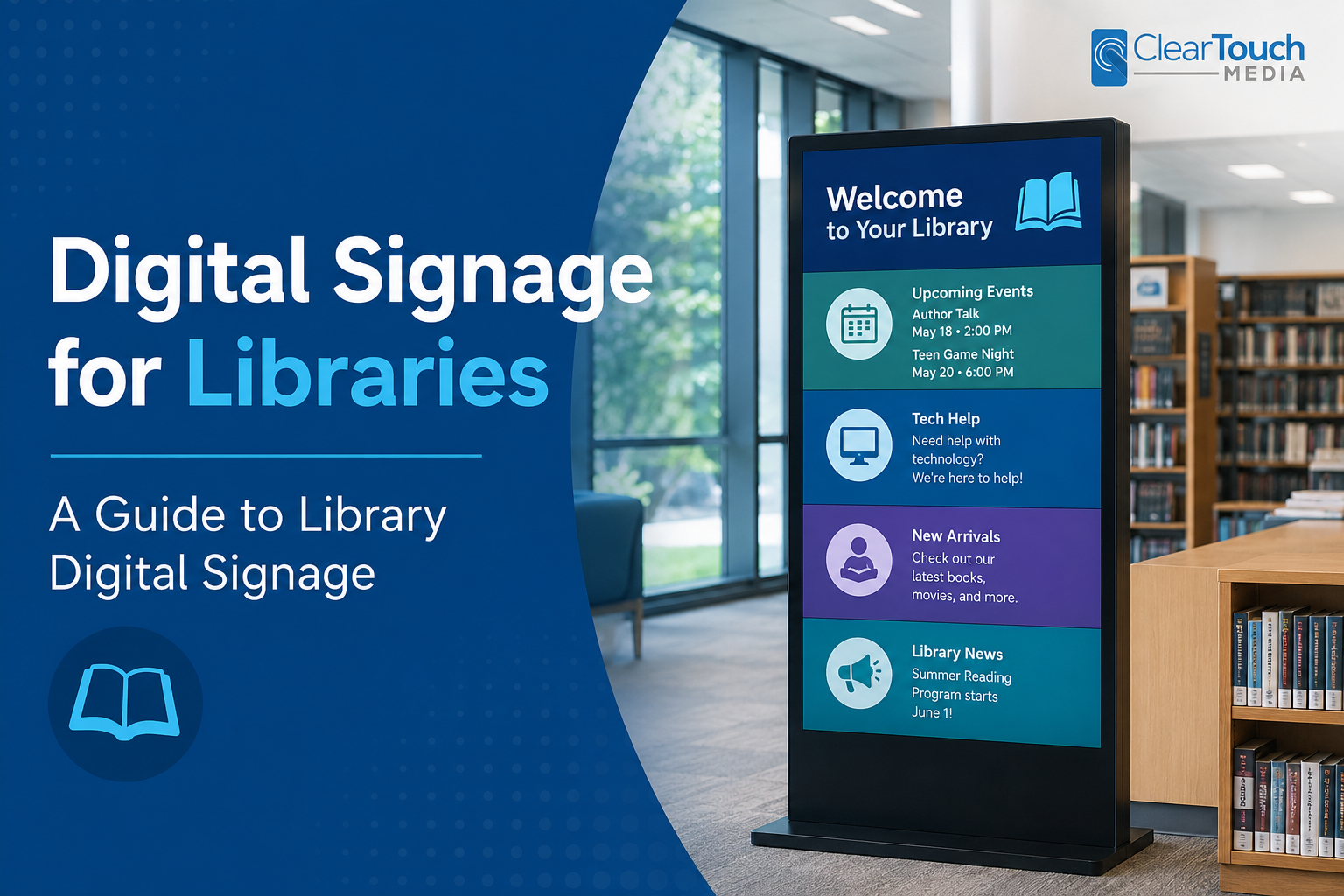
Digital signage for public libraries enables you to display any combination of widgets, information, announcements, community events schedules, book recommendations, program schedules, and more. From any computer or laptop, you will be able to remotely create, edit, and update your library’s digital signage. All of your library’s digital signs will update within 2 minutes. Using cloud-based digital signage for libraries, you will be able to display:
- Daily, weekly, or monthly class and special event listing with images
- Welcome messages and important library announcements
- Wayfinding maps of the library and where book sections are located
- Emergency notifications and alert messages
- Library hours of operation and a list of locations
- Local weather forecasts and live RSS news feeds
- Media slideshows contain videos, images, slides, and text
- Add social media feed like Twitter, Instagram or Facebook to drive social engagement
- Touch screen displays and kiosks with multiple buttons and pages of information
9 Ways You Can Use Library Digital Signage
Because library digital signage is ‘digital,’ you can share an unlimited amount of useful information that will improve your visitors’ experiences. If you’re new to digital signage, check out our post “what is digital signage?”
- Library FAQ
- Local transportation and parking information
- New DVD and music arrivals
- Weekly top 5 most popular books
- Computer terminal availability
- Top authors with biography and popular books
- Area listing of local businesses
- Book check-out and return guidelines
- Showcase library services
Advantages of Library Digital Signage
Digital signage for public libraries is a modern and engaging way to communicate with your visitors. Because the content is “dynamic,” you can add eye-catching videos, custom scrolling tickers of information, slideshow shows, a calendar, and more!
By installing a library digital signage screen in high-traffic locations, you will be able to consistently reach your visitors with important information and updates. An example would be your lobby area. You can share general information about your library, showcase new books that recently arrived, advertise the advantages of getting a library card and more!
- Save money on printing new signs
- Display an unlimited amount of information, media, and announcements
- Preschedule slides and playlists to play on specific times and dates
- Update one screen at a time or groups of screens within one click
- Remotely monitor the library’s digital signs
Setting Up Digital Signage for Libraries
First, identify where you would like to use library digital signage. Once you have the locations, you will need to gather the following items for your library’s digital signage:
- Cloud-Based Digital Signage Software
- Design, edit, and manage your library’s digital signage messages
- Create the content from scratch or use customizable templates
- Set up your playlist and schedule your content to play
- TV or Commercial Grade Digital Sign
- A digital sign is rated for 50,000 hours of commercial use, comes with a metal casing and features tempered glass
- A regular TV can also be used, but it does not include commercial features
- Media Player
- A digital signage media player connects to a display via HDMI
- Digital signage software is installed on the media player and plays your media and content
- Popular media players include Android, Chrome, and Windows
About Clear Touch Media Digital Signage
Clear Touch Media provides libraries with a cloud-based library digital signage software. Within minutes of making a change on your computer, the new updates will go live of your library’s digital signage! All content is cached locally on the media player and will continue playing with an internet outage.
Using the widgets and apps, you can easily add and customize media slideshows, HD videos, custom scrolling tickers, and more! If you have monthly or weekly new promotions, pre-schedule your advertisements to play on specific dates, set expiration dates, or a recurring schedule.
- Best variety of drag and drop widgets
- Customizable template library
- Instagram, FaceBook, Twitter
- YouTube and Ustream live videos
- Create and manage new playlists
- Advanced scheduling capabilities
- Manage a single display or hundreds
- Admin controls with multi-user control
- Cloud media library for storing your media
- Real-time content updates
- Complete training and support